
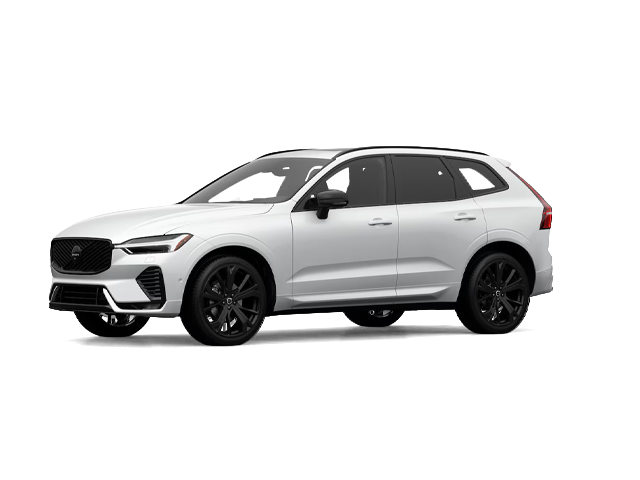
Photo for illustrative purposes only.
Find out moreVolvo Cars Hamilton
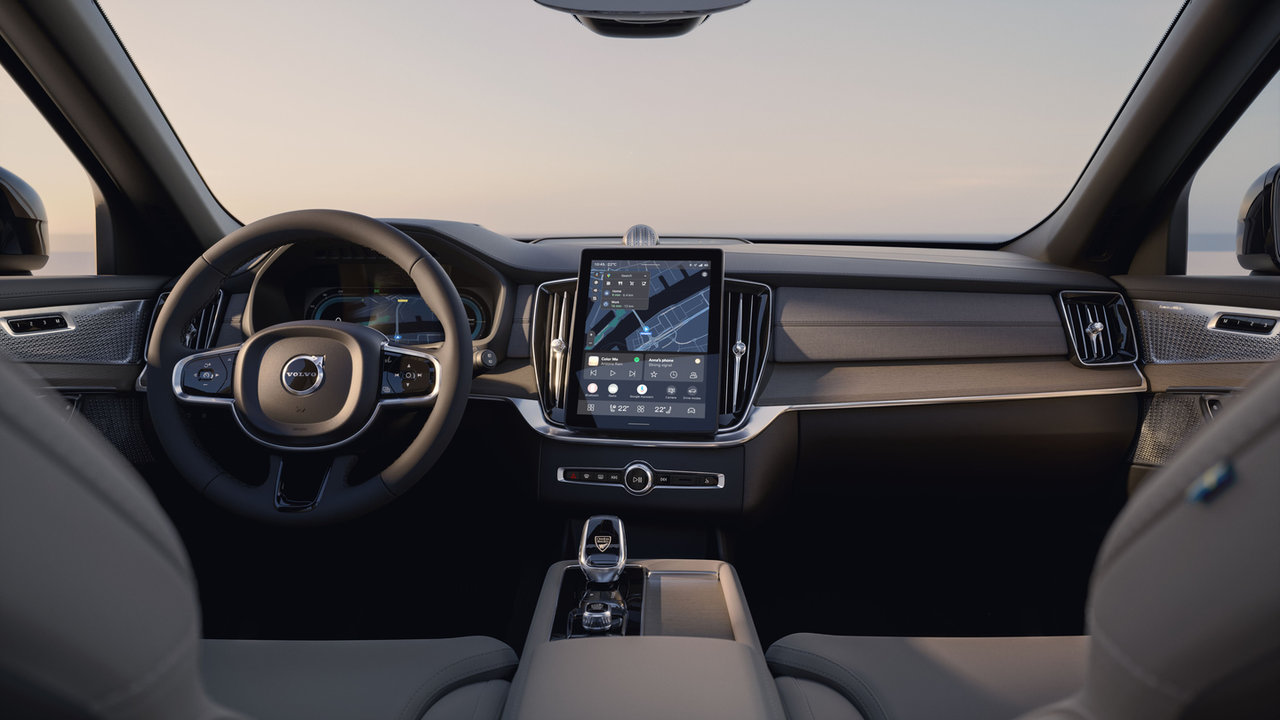
If you drive a Volvo, there is a good chance you have seen the Volvo Cars app on your phone but never dug into everything it can do. It is built to work alongside your car, giving you a way to check in, adjust settings, and stay connected without needing to be behind the wheel.
Here is a look at what the app can actually do for your daily routine, from the driveway to the road.
Remote Services at Your Fingertips
With an active Digital services subscription, the Volvo Cars app unlocks a set of remote services you can use right from your phone. That includes locking and unlocking your car, starting cabin pre-cleaning, and adjusting cabin heating or cooling before you even step outside.
Built Around Google, Right in the Car
Many Volvo models pair the app experience with Google built-in, which means Google Maps, Google Assistant, and Google Play are already part of the car's own screen. Google Maps keeps real-time traffic information flowing and can reroute automatically, while Google Assistant lets you ask for directions, adjust entertainment, or stay in touch with a simple voice command.
Newer models are also rolling out Volvo Car UX, a refreshed on-screen layout that reduces the number of taps needed to reach the features drivers use most. The most common apps and controls, including maps, media, and phone, live on the home screen, so switching between navigation and music does not mean leaving one app to find another.
One Subscription, Everything Included
The Digital services package bundles the data needed to run navigation, the voice assistant, and app downloads like music streaming, all included for a set period tied to the car rather than the original owner. That means if the car changes hands, any remaining time on the subscription carries over to the next owner.
Navigation That Knows Where You're Headed
Because the app ties into Google Maps through Google built-in, route planning does not have to start from scratch every time you get in the car. Real-time traffic information and automatic rerouting help keep a trip on track even when conditions change along the way, and the same navigation data carries through whether you glance at your phone before leaving or check the car's own screen once you are on the road.
Google Assistant rounds out the connected experience, letting you ask for directions, adjust entertainment, or send a message with a simple voice command rather than reaching for a screen while driving. For anyone who splits their day between errands, work, and family pickups, that hands-free layer can make small tasks feel far less like a distraction.
An Interface That Gets Out of Your Way

Volvo has also been rolling out Volvo Car UX, an updated on-screen layout, through over-the-air software updates. Because it arrives as a software update rather than a hardware change, the improvement reaches millions of cars already on the road, not just new models rolling off the line. The layout puts a contextual bar front and centre, automatically surfacing the most relevant controls, such as an outside camera view when parking at low speed, so the screen adapts to what you are doing rather than asking you to hunt for it.
For plug-in hybrid drivers, this update also makes it easier to manage the powertrain directly from the home screen. Switching from hybrid driving to electric-only Pure mode takes a single tap, giving drivers more direct control over how their car uses power on any given trip.
Keeping the App Connected to Your Car Long-Term
The Digital services subscription behind these features lasts up to four years from the date of retail delivery on a new car, and it covers all the data needed to run navigation, the voice assistant, and downloadable apps like music streaming. Because the subscription is tied to the vehicle rather than the original buyer, a car sold partway through that period passes along whatever time remains to its next owner. Once the initial period ends, the services can be renewed as an ongoing subscription, keeping the app's full feature set active for as long as you want it.
Key Takeaways
|
Feature |
What It Does |
|---|---|
|
Remote lock/unlock |
Secure your car from your phone |
|
Cabin pre-cleaning |
Prepares the air before you get in |
|
Cabin heating/cooling |
Adjust temperature before your trip |
|
Google built-in |
Maps, Assistant, and Play on the car's screen |
|
Digital services package |
Bundles data for navigation, voice, and apps |
Get Set Up at Volvo Cars Hamilton
The Volvo Cars app turns your phone into a simple extension of your car, handling small daily tasks so you can spend less time thinking about them. If you would like help getting the app set up or want to see how it works with your model, our team in Hamilton is happy to walk you through it.
Photo for illustrative purposes only.
Find out more
How to Prepare Your Volvo for Fall and Winter
Cooler mornings and shorter days are the first signs that driving conditions are about to change. A little preparation in the fall makes for calm,...
Read more
How to Choose Between the 2026 Volvo XC60 Plug-In Hybrid and the 2027 Volvo EX60
Volvo builds two mid-size SUVs that let you drive on electricity, and each one does it in its own way. The 2026 XC60 T8 plug-in hybrid pairs a gas...
Read more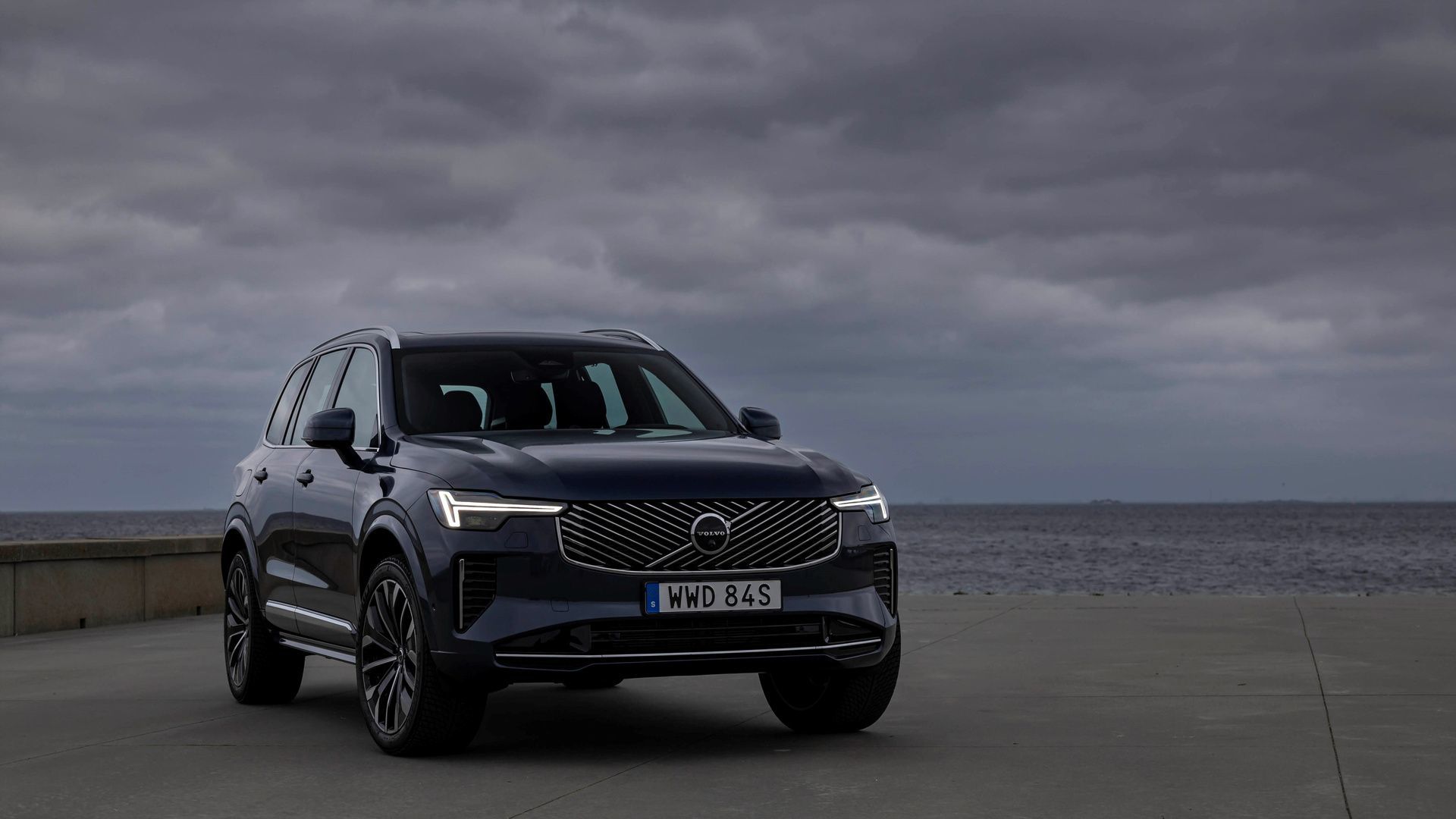
How 2027 Volvo Vehicles Help Prevent and Mitigate Collisions with Large Animals
A deer at the edge of the road at dusk. A moose standing in the middle of a dark highway. Most Canadian drivers have had a close call like this, or...
Read morePowered and developed by
