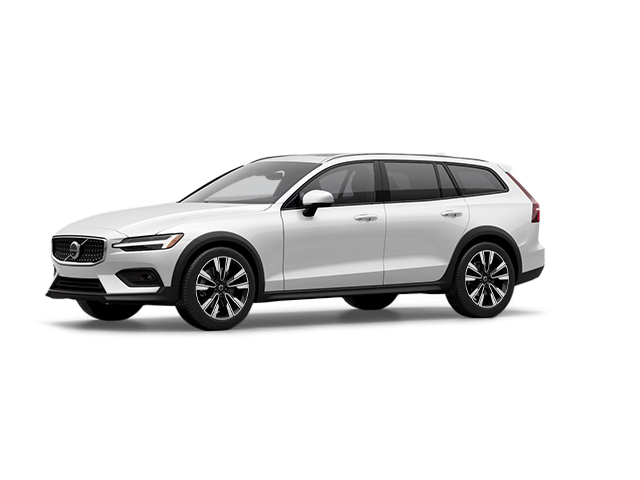
Photo for illustrative purposes only.
Find out moreVolvo Cars Hamilton

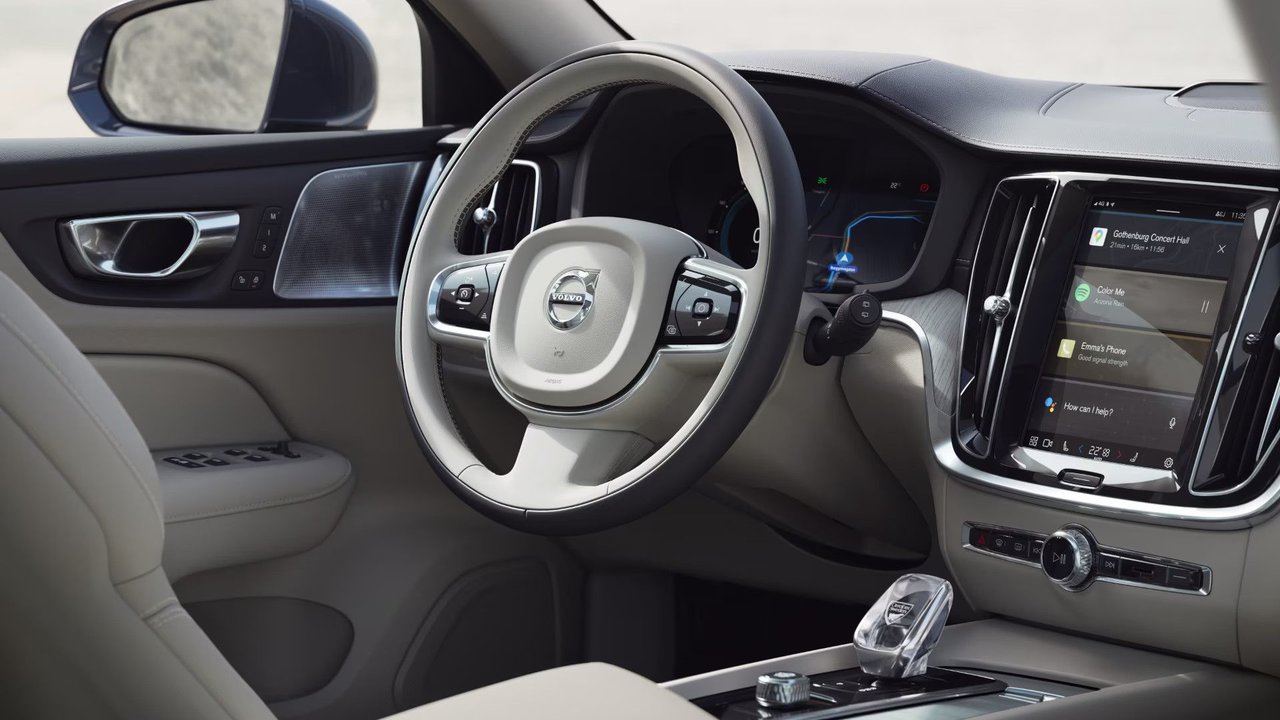
Every current Volvo model sold in Canada includes Google built-in as standard equipment, but the technology's actual functionality often gets confused with smartphone mirroring systems like Apple CarPlay or Android Auto. Understanding the distinction matters for drivers in Hamilton considering a 2026 XC60, XC90, or XC40, as Google built-in operates fundamentally differently from these familiar phone-dependent systems.
Google built-in means Google Maps, Google Assistant, and Google Play are natively integrated into the vehicle's infotainment system. These services run directly on the car's hardware, powered by the Snapdragon Cockpit Platform, rather than mirroring content from a connected smartphone. The car maintains its own data connection through Volvo's Digital Services Package, which includes four years of complimentary connectivity from the retail delivery date.
What Runs on the Car vs. What Requires Your Phone
The clearest way to understand Google built-in is to recognize what works without a phone present. If you leave your smartphone at home, your 2026 Volvo's navigation still functions with real-time traffic updates. Google Assistant responds to voice commands. Apps downloaded through Google Play—Spotify, YouTube Music, Audible—continue operating because they're installed on the vehicle's system, not streaming from your phone.
Apple CarPlay and Android Auto work differently. These systems project your phone's interface onto the car's screen. Everything you see is running on your phone, using your phone's data connection and processing power. Disconnect the phone, and CarPlay or Android Auto stops functioning entirely. The car's screen reverts to its native interface.
Volvo includes both approaches. Google built-in provides the core experience, while CarPlay and Android Auto remain available for drivers who prefer them. This dual approach lets you choose based on your workflow and device ecosystem.
How Google Maps Integration Changes Navigation
Google Maps in a Volvo operates as a dedicated automotive navigation system, not as the smartphone app enlarged on a bigger screen. The interface is designed for the vehicle's 11.2-inch central touchscreen (in refreshed 2026 XC60 and XC90 models) or the 9-inch display in the XC40, with controls optimized for use while driving.
The system accesses Google's continuously updated map database, which includes real-time traffic information, automatic rerouting around congestion, and live updates to business hours and locations. For Hamilton drivers, this means accurate navigation through construction zones on the Lincoln Alexander Parkway or real-time updates about Highway 403 traffic conditions during rush hour.
Traditional built-in navigation systems require periodic map updates, often at additional cost and requiring dealership visits or manual USB transfers. Google Maps updates automatically through the car's data connection, ensuring current information without driver intervention.
The navigation system integrates with the vehicle's other functions. Setting a destination through voice command ("Hey Google, navigate to Tim Hortons on King Street") starts route guidance immediately. The head-up display, available in higher trim levels, projects turn-by-turn directions onto the windshield. Climate controls can automatically precondition the cabin to your preferred temperature based on estimated arrival time.
Google Assistant: Beyond Basic Voice Commands
Google Assistant in Volvo vehicles controls both entertainment functions and vehicle systems through natural language voice commands. The integration goes beyond playing music or finding destinations.
You can adjust cabin temperature by saying "Hey Google, set the temperature to 22 degrees." Opening the garage door works if you have compatible smart home devices. Sending text messages, making phone calls, or checking your calendar all function through voice control, allowing you to keep your hands on the wheel and eyes on the road.
The system learns patterns over time. If you frequently navigate to a particular address on Friday afternoons, Assistant may proactively suggest that destination. Regular requests to specific contacts appear as quick-access options. The contextual understanding improves with use, though all voice data processing respects Google's privacy policies and Volvo's data protection standards.
For families sharing a vehicle, Google Assistant can recognize different voices and provide personalized responses. Your music preferences, frequent destinations, and preferred cabin temperature settings can differ from those of other drivers, with the system automatically adjusting based on who's speaking.
Google Play: Accessing Apps Without Your Phone
Google Play in your Volvo functions similarly to Google Play on Android devices, providing access to automotive-compatible apps installable directly on the vehicle's system. Music streaming services like Spotify, Tidal, and YouTube Music install on the car, allowing music playback without phone connectivity.
Podcast apps, audiobook services, and news applications also work through this system. The advantage over Bluetooth streaming from your phone lies in audio quality—apps running on the car use the vehicle's DAC (digital-to-analog converter) and amplifier directly, without the compression Bluetooth imposes. In vehicles equipped with the available Harman Kardon or Bowers & Wilkins premium audio systems, this distinction becomes audible.
Not every Android app works in vehicles. Google and Volvo limit available apps to those designed for automotive use, excluding apps that require prolonged visual attention or wouldn't make sense in a driving context. You won't find Instagram or web browsers, but you will find apps optimized for audio content, navigation assistance, and vehicle-appropriate functionality.
Downloaded apps update automatically through the car's data connection, similar to how smartphone apps update in the background. This happens when the vehicle is parked and connected to WiFi (if available) or through the cellular connection during times of low data usage.
The Digital Services Package: What's Included
Volvo's Digital Services Package provides the data connectivity that powers Google built-in. For the first four years from the retail delivery date, all data is included—navigation queries, music streaming, app downloads, and Google Assistant requests consume no additional data beyond what Volvo provides.
The package also includes remote services through the Volvo Cars app on your smartphone. You can lock or unlock the vehicle remotely, precondition the cabin before entering (particularly valuable during Ontario winters), check charge status on plug-in hybrid or electric models, and locate your vehicle in crowded parking areas.
After four years, you can extend the Digital Services Package through a subscription. Alternatively, you can rely on Apple CarPlay or Android Auto using your phone's data connection, though you'll lose the integrated Google Assistant functionality and native app installations. Many drivers considering a new vehicle in 2026 will likely trade for another vehicle before the four-year period expires, making this a minimal concern for most buyers.
When CarPlay or Android Auto Still Makes Sense
Despite Google built-in's advantages, Apple CarPlay and Android Auto remain useful for specific scenarios. If you rely on Apple Messages and want seamless iMessage integration, CarPlay provides this directly. Apps not available through Google Play for automotive use might be accessible through CarPlay or Android Auto if they have compatible interfaces.
Some drivers simply prefer the interface they're accustomed to from their smartphones. If you've used Apple Maps for years and find its junction views or lane guidance preferable to Google Maps, CarPlay maintains that experience. The systems aren't mutually exclusive—you can use Google built-in for some tasks and switch to CarPlay or Android Auto for others.
Connection is straightforward for both. CarPlay works wirelessly in current Volvo models or through USB-C cable. Android Auto connects the same way. The vehicle detects your phone automatically when you enter with it, and you can choose your preferred interface from the home screen.
How This Affects Your Daily Driving Experience
The practical difference emerges during routine use. In a vehicle with only CarPlay or Android Auto, you must bring your phone every time you drive, ensure it's charged, and maintain a functional connection. If your phone dies mid-trip, you lose navigation and entertainment.
With Google built-in, the car maintains full functionality regardless of phone status. Navigation continues working. Music streaming from installed apps plays normally. Voice commands function as expected. Your phone becomes optional rather than required for basic infotainment operations.
For families in Hamilton where multiple drivers share a vehicle, this independence simplifies vehicle use. Teenage drivers can navigate without requiring access to a parent's phone. Anyone can use the vehicle's entertainment system without connecting their device first. The car's interface remains consistent regardless of who's driving.
Privacy and Data Considerations
Google built-in processes voice commands and navigation queries through Google's servers, similar to how Google Assistant works on smartphones or smart home devices. Volvo and Google have established data protection agreements governing how this information is handled, stored, and used.
You can review and delete voice interaction history through your Google account settings. Location data used for navigation can be managed through Google's activity controls. The Volvo Cars privacy policy, available at Volvo's website and in vehicle documentation, details what data the vehicle collects and how it's used.
For drivers concerned about data sharing, the system can be used in limited modes that reduce data collection, though this impacts functionality. Voice commands may work less accurately without historical data to improve recognition. Navigation loses personalized suggestions based on driving patterns. The trade-off between convenience and privacy remains a personal decision.
Updates and Future Improvements
Volvo vehicles with Google built-in receive over-the-air software updates that can improve system functionality without requiring dealership visits. These updates can add features, refine user interface elements, improve voice recognition accuracy, or enhance integration with new Google services.
The 2026 XC60 and XC90 introduce an updated 11.2-inch touchscreen with 21 percent higher pixel density compared to previous displays, running the new Volvo UX interface. This demonstrates how the platform evolves—existing owners may receive software improvements, while new models benefit from both software and hardware enhancements.
Future updates may include support for additional apps, improved integration with smart home devices, or enhanced voice command capabilities. The timeline for these updates varies, but the infrastructure exists to deploy improvements throughout the vehicle's lifespan.
Making the Right Choice for Your Needs
Understanding Google built-in helps clarify what you're getting in a new Volvo. It's not simply "Bluetooth with a screen" or "Android Auto built-in." It's a dedicated automotive infotainment system that happens to use Google's services and app ecosystem as its foundation.
For drivers who already use Google services on their smartphones—Gmail, Google Calendar, Google Maps—the transition feels natural. The car extends your existing digital ecosystem into the vehicle. For iPhone users, the integration is equally functional, though you may find yourself switching between Google built-in for navigation and CarPlay for iMessage and other iOS-specific features.
The key question is whether you value the independence and integration Google built-in provides, or whether you prefer the familiarity of mirroring your phone's interface through CarPlay or Android Auto. Fortunately, current Volvo models offer both, letting you experiment and decide which approach works better for your driving patterns.
Visit Volvo Cars Hamilton in Hamilton to experience Google built-in firsthand and see how it integrates with the 2026 XC60, XC90, and XC40 lineup.
Photo for illustrative purposes only.
Find out more
How to Prepare Your Volvo for Fall and Winter
Cooler mornings and shorter days are the first signs that driving conditions are about to change. A little preparation in the fall makes for calm,...
Read more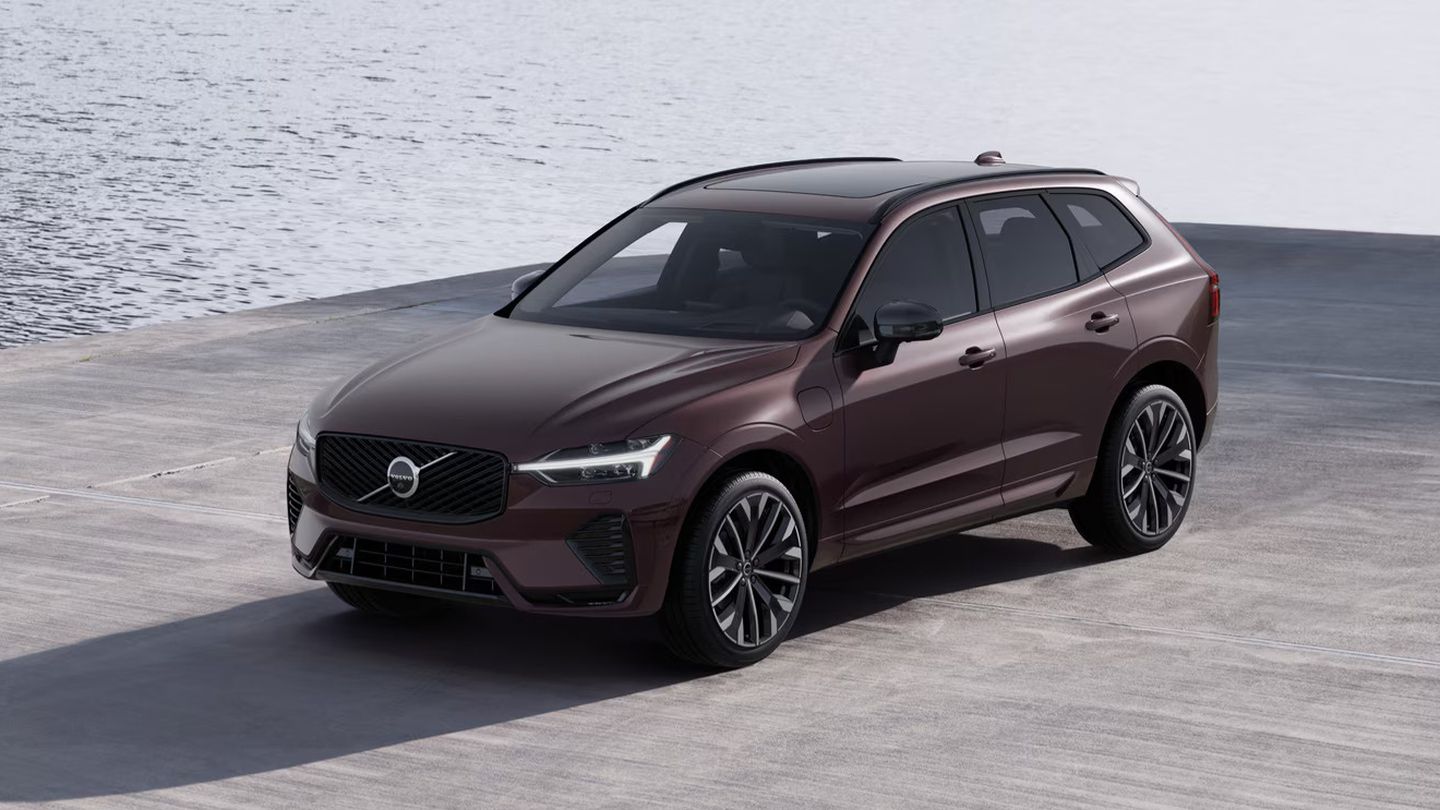
How to Choose Between the 2026 Volvo XC60 Plug-In Hybrid and the 2027 Volvo EX60
Volvo builds two mid-size SUVs that let you drive on electricity, and each one does it in its own way. The 2026 XC60 T8 plug-in hybrid pairs a gas...
Read more
How 2027 Volvo Vehicles Help Prevent and Mitigate Collisions with Large Animals
A deer at the edge of the road at dusk. A moose standing in the middle of a dark highway. Most Canadian drivers have had a close call like this, or...
Read morePowered and developed by
